
Prototype leaks
Unreleased vehicle images spread within minutes, compromising launch plans and revealing designs to competitors.
Platform 02 · Visual DLP
Zone-based camera control enforced at the Android OS level. Restricted areas stay protected, shifts keep moving, and employees keep their phones.
The exposure
Photography inside plants, supplier sites, and labs puts prototypes, tooling, and process innovation on the internet long before security teams know a photo was taken.
Unreleased vehicle images spread within minutes, compromising launch plans and revealing designs to competitors.
Photos expose proprietary assembly methods and tooling built over years of R&D investment.
Supplier facilities handling sensitive components become leak points across the whole value chain.
Uncontrolled photography triggers export-control and supplier-agreement violations, penalties, and audit findings.
The answer
Fail-closed, tamper-resistant, and invisible to the worker.
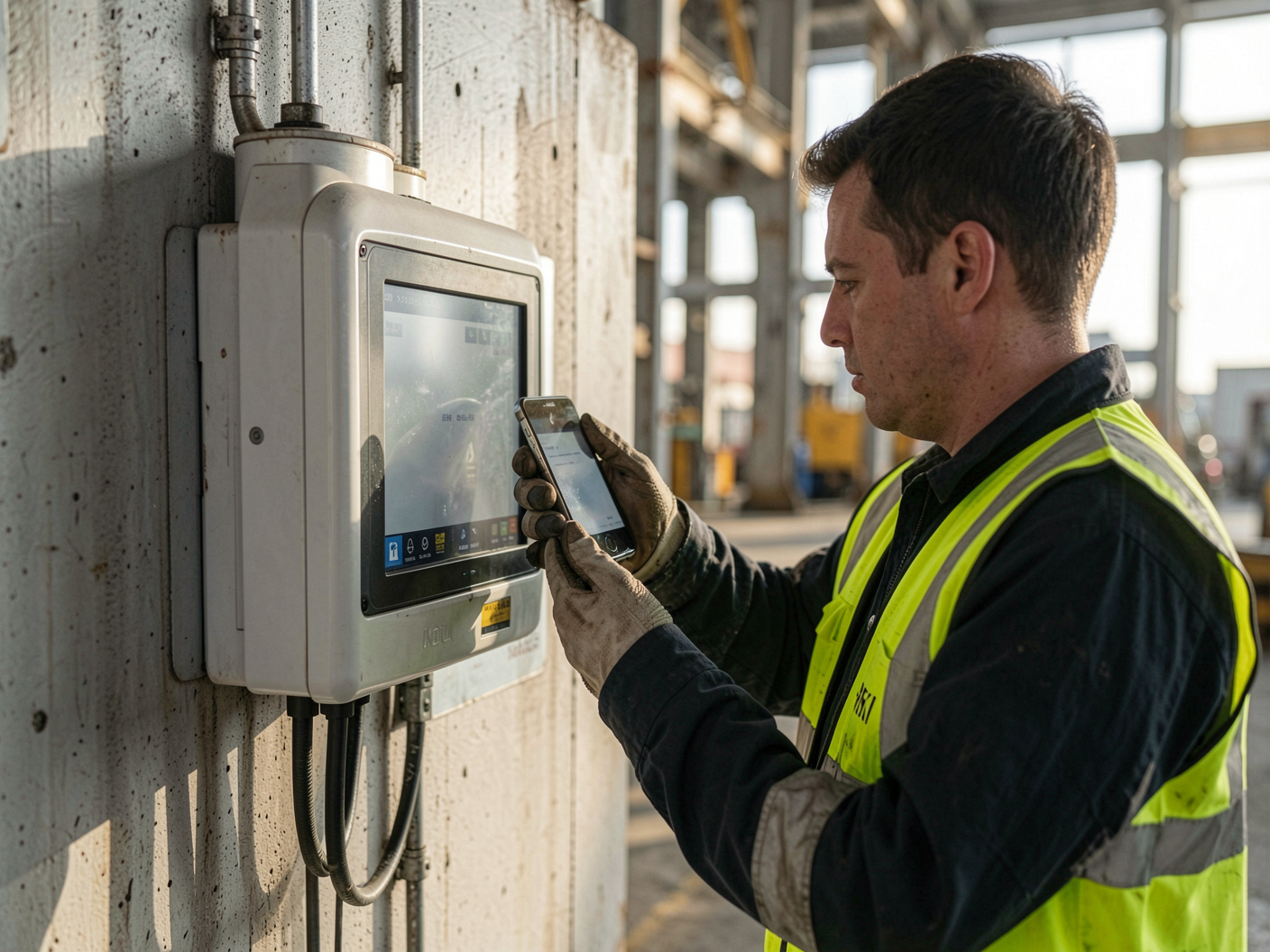
Phone collection programmes create entry queues, frustrate staff, and still leave cameras in laptops, tablets, and inspection equipment unmanaged. CamBlocker disables the camera itself while a device is inside a restricted zone, and restores it on exit.
How it works
Two operating modes are available: geofence-driven automatic transition, and gate-controlled dynamic QR at entry and exit points.
Draw polygon, rectangle, or circular zones, or import an existing KML site map.
Distribute the client through Intune, Workspace ONE, or Samsung Knox.
The camera locks on zone entry and unlocks on exit, with no app interaction.
Grant time-limited camera access by QR when a task legitimately requires it.
Receive tamper alerts and export compliance logs from the admin portal.
Where it runs

Prototype halls, body shops, and supplier facilities under launch confidentiality.
Restricted zones, aprons, and maintenance areas with contractor traffic.
Test benches and pilot lines where unpublished work is visible on the floor.
Board areas, data halls, and any space with confidential material on display.
Next step
Pick a single restricted area and a small device fleet. We will scope the geofence, the gate flow, and the audit output with your security team.